
Search the metadata Photos overlooks
Combine duration, available file size, date, resolution, recording type, favourite status, hidden status, and local availability.
Search Apple Photos by duration, available file size, date, resolution, and recording type, privately on your iPhone.
Available now for iPhone on iOS 18 and later.
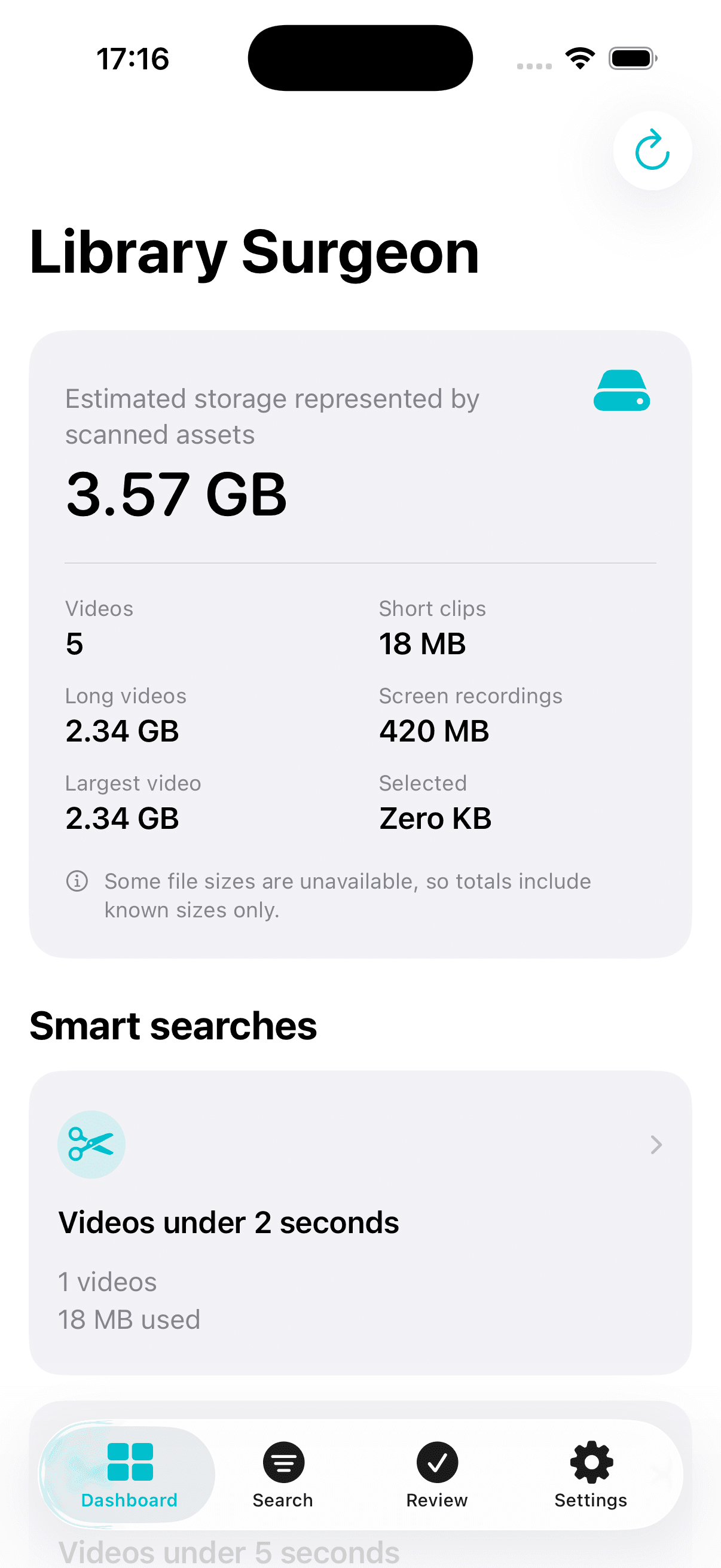
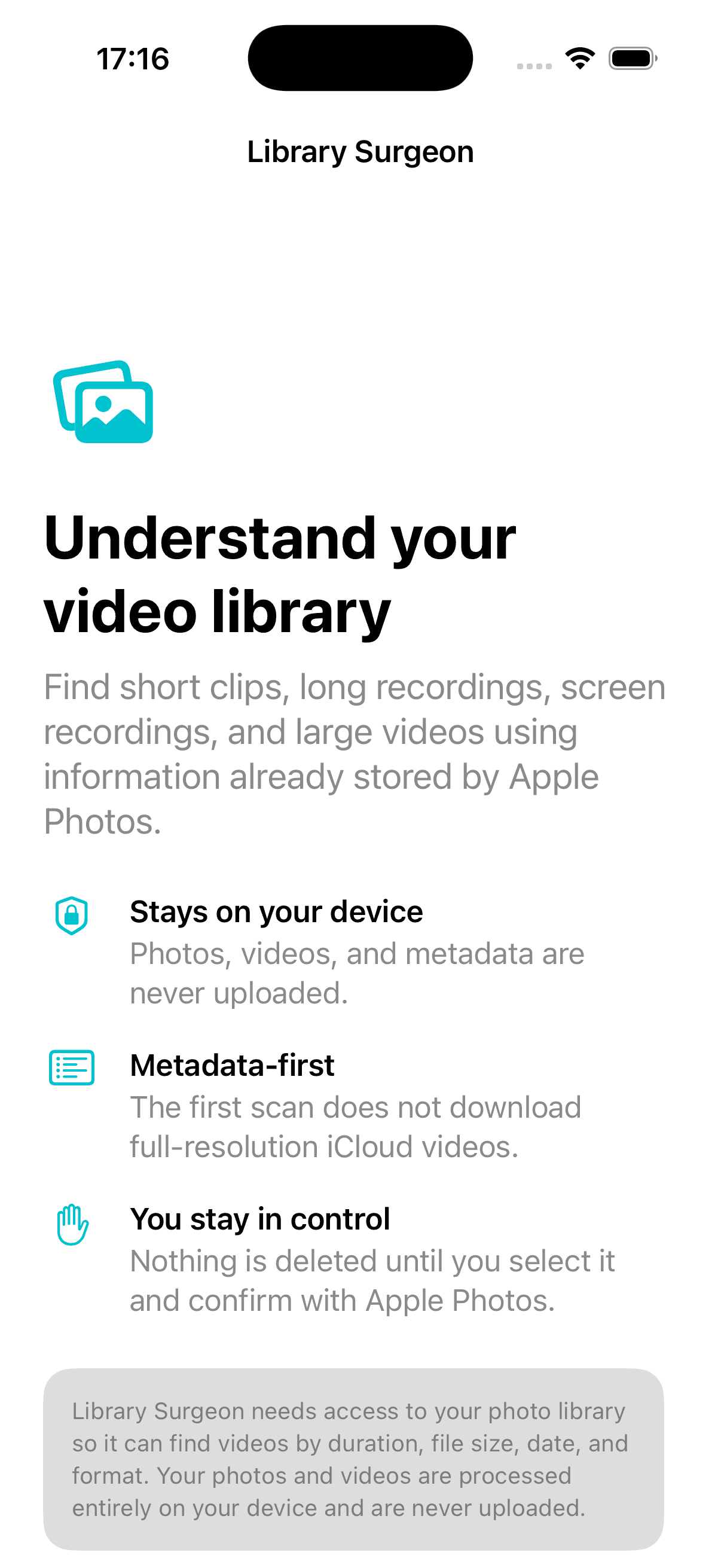
Photos, videos, metadata, and searches are never uploaded.
The initial scan does not download full-resolution iCloud videos.
Selection, review, warning, and Apple’s confirmation come first.
Library Surgeon is designed for large, long-lived Photos libraries where the biggest storage decisions are hard to see.
Combine duration, available file size, date, resolution, recording type, favourite status, hidden status, and local availability.
Jump directly to accidental short clips, long recordings, the largest videos, screen recordings, slow motion, and time-lapses.
Preview, select, and review each item. Nothing is removed automatically, and Apple Photos provides the final system confirmation.
Known sizes are totalled clearly. Unavailable or incomplete sizes are identified instead of being presented as exact.
Smart searches turn common video-library questions into an immediate list you can inspect.
The app has no account, backend, analytics, advertising, AI service, or third-party tracking. A local index stores selected metadata only on your device so later launches can be faster.
Photo access is used only to inspect metadata, show requested previews, change favourites when asked, and submit explicitly selected deletions.
Open a smart search or combine your own metadata filters.
Sort results and preview the videos that need a closer look.
Check the full selection and the known storage represented.
Approve the in-app warning, then Apple Photos’ system confirmation.
Deleted media moves to Recently Deleted in Apple Photos and may not free storage immediately.
Clear answers for finding large videos, reviewing screen recordings, and understanding why storage figures do not always change immediately.
A practical way to identify the videos using the most space before deciding what to keep.
Read the guideLocate old screen recordings, review them carefully, and understand what happens after deletion.
Read the guideCheck Recently Deleted, iCloud Photos, and the difference between known file sizes and storage totals.
Read the guideLibrary Surgeon is available now for iPhone.